
Supplies:
- Follow the Sun by Craft Sensations
- Sunflower Embossed Dies
- Fern Dies
Anzeige (Enthält Produktempfehlung) / Advertisement (Contains product endorsement)

Supplies:
Anzeige (Enthält Produktempfehlung) / Advertisement (Contains product endorsement)

Anzeige (Enthält Produktempfehlung) / Advertisement (Contains product endorsement)
English
I have another traveler’s notebook album that I created earlier this year, and that it’s time to share with you here.
This one was mostly about some of the late summer days in 2018 that document mostly the times I got to spend with family at their homes.
Deutsch
Ich habe schon vor ein paar Monaten ein weiteres Album fertiggestellt. Und es wird Zeit, es euch hier zu zeigen.
Dieses Album dokumentiert hauptsächlich Tage im Sommer 2018, die ich mit Familie verbringen durfte.
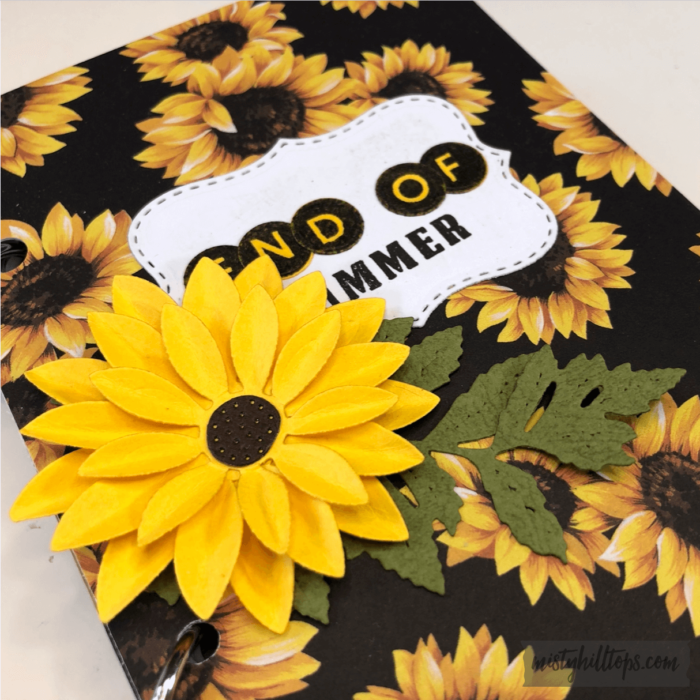
In this album I use a lot of different products, and I’ll try to list the supplies as best as I can with each of the pages below.
In diesem Album verwende ich eine Reihe verschiedener Produkte, und ich werde versuchen, die verwendeten Materialien mit jeder der unten gezeigten Seiten zu listen.
You can watch a flip through of this album here:
Hier könnt ihr euch ein Video des Albums ansehen:

Field Notes
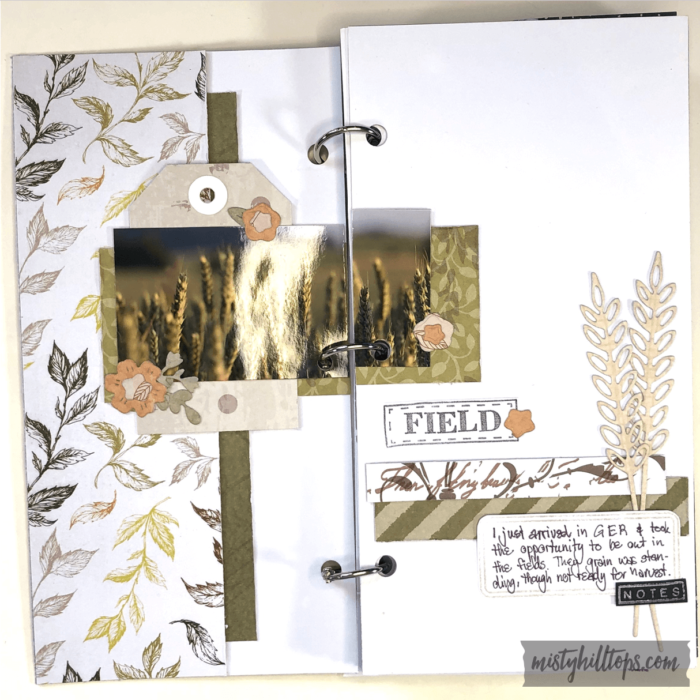
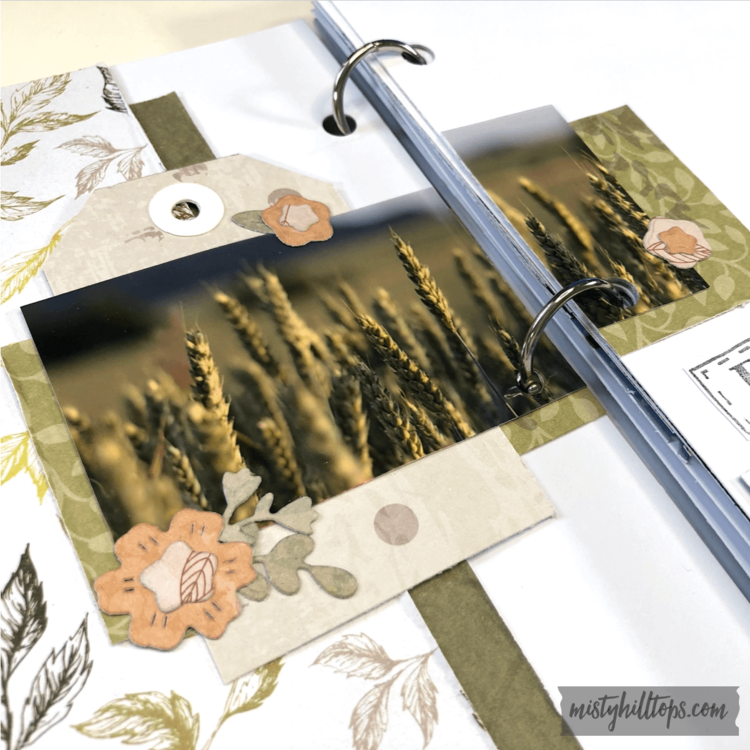
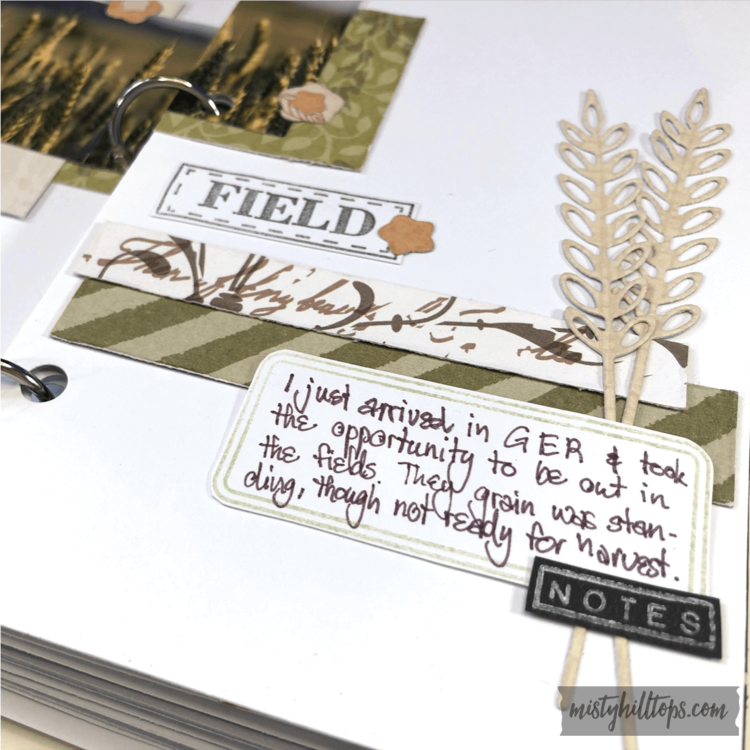
Supplies | Produktliste
Amazing
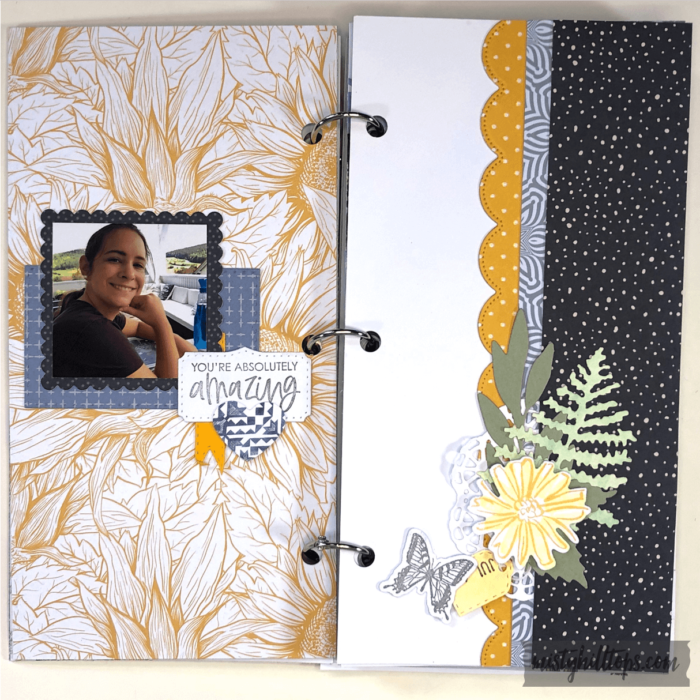
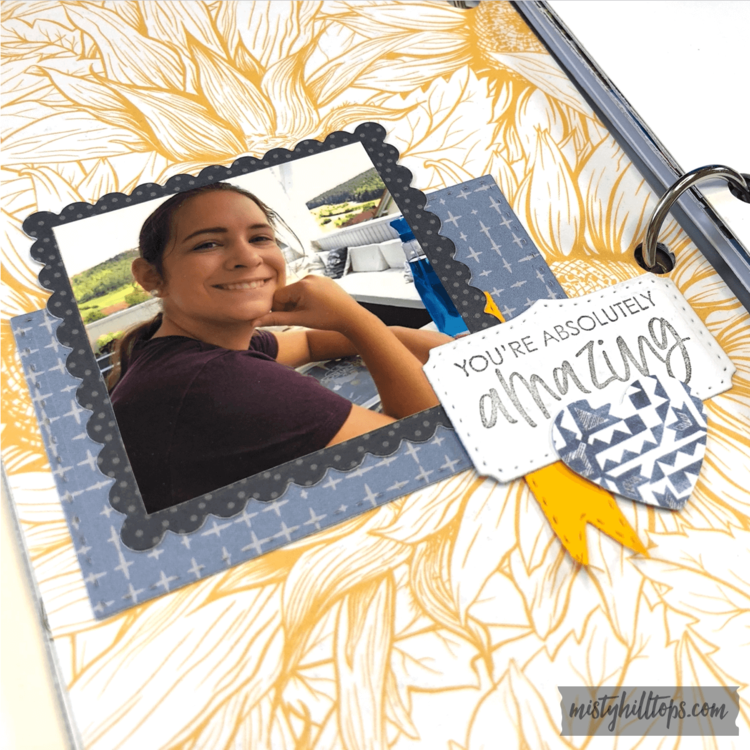
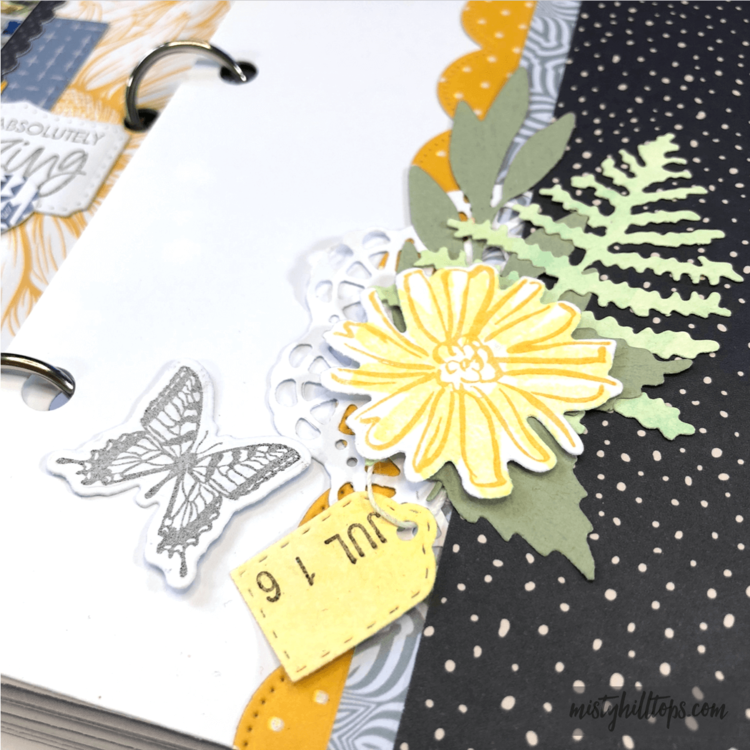
Supplies | Produktliste
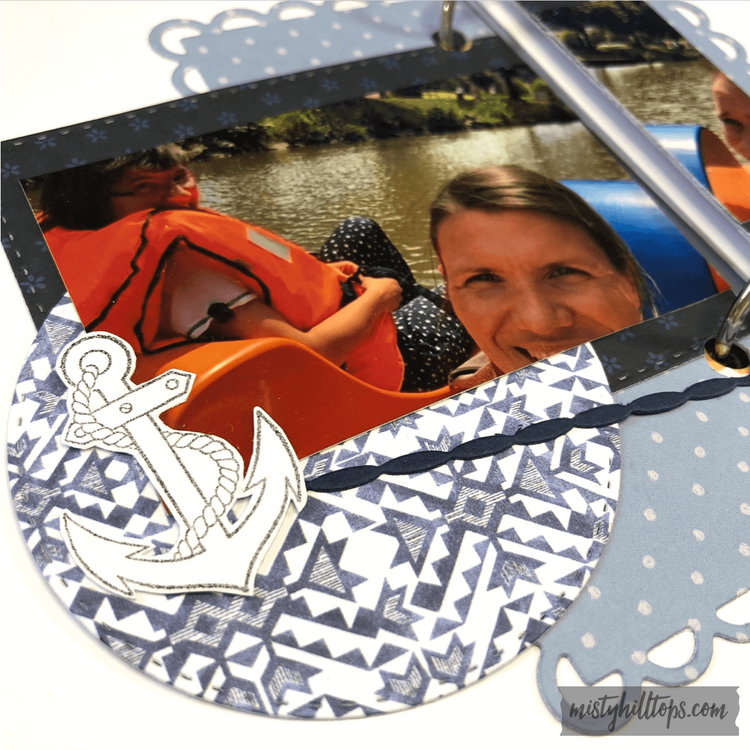
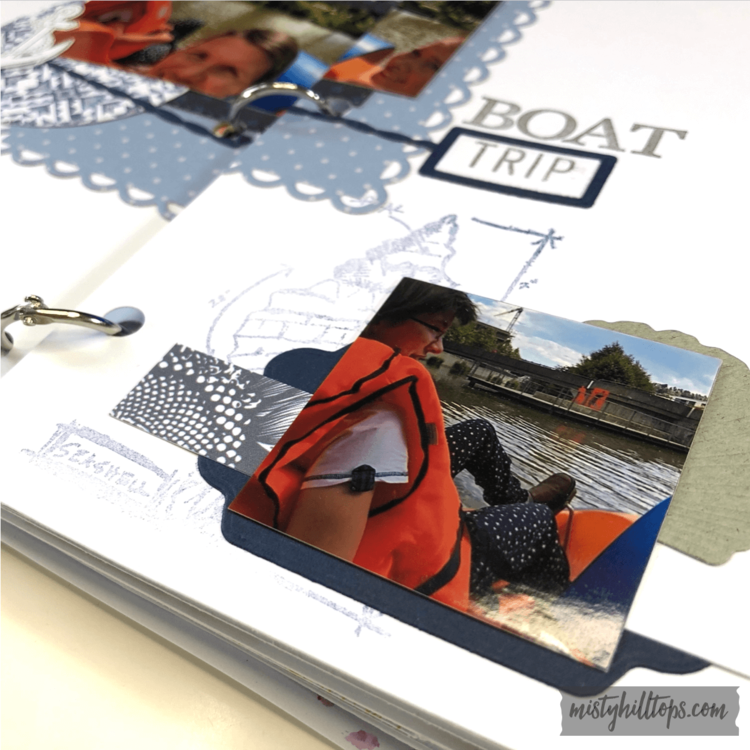
Boat Trip
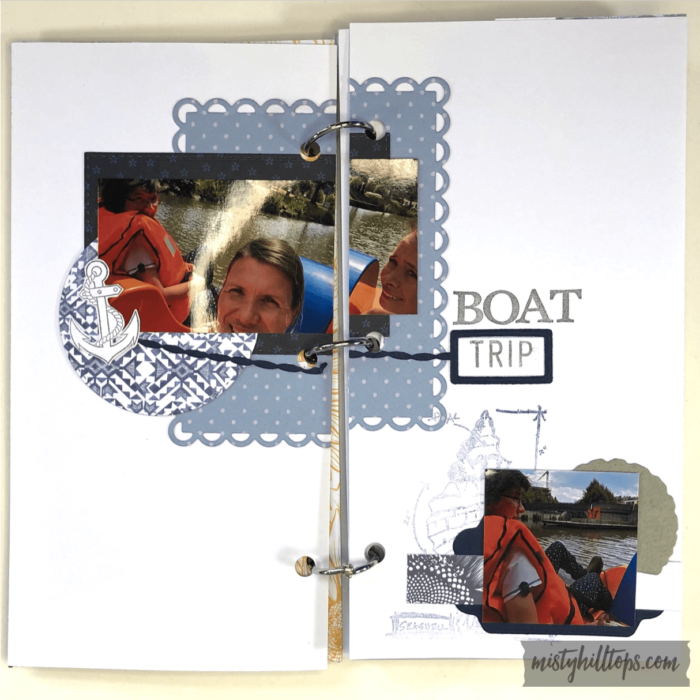
Supplies | Produktliste
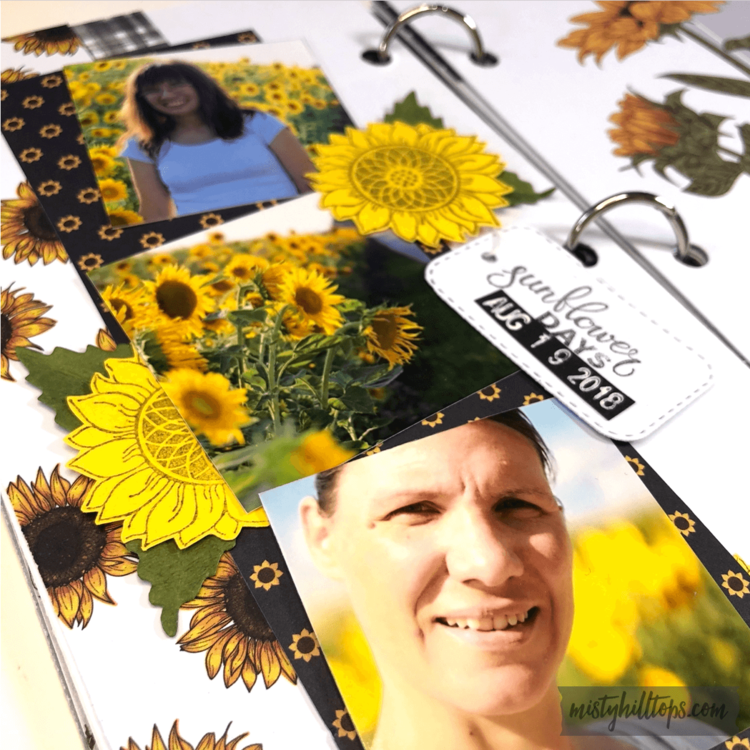
Sunflower Field

Supplies |Produktliste
Cover Page Supplies: Sunflower Embossing Dies

Anzeige (Enthält Produktempfehlung) / Advertisement (Contains product endorsement)
English
I’ve noticed that journaling cards are as popular as ever. Isn’t it funny? When I search for journaling cards on Pinterest, often among the first to be listed are the previous freebie journal cards. (And yes, they’re still available for download.)
So, I thought, I’d give it another go with a new set of journaling cards. I thought long and hard, whether I wanted to create individual PNG journal cards, or try my hand on something new, and decided to go with the new. Why? Because this way these journal cards are more versatile than the PNG cards.
Deutsch
Ich habe bemerkt, dass Journal Karten so populär wie eh sind. Und ist es nicht amüsant? Wenn ich auf Pinterest nach Journal Karten suche, sind oft meine früheren Freebies ganz oben gelistet. (Und ja, die gibt’s auch immer noch zum Runterladen.
Also dachte ich mir, kreiere ich doch mal wieder eine neue Serie an Journal Karten. Ich habe auch ausgiebig darüber nachgedacht, ob ich die Karten als individuelle PNG Karten erstellen sollte, oder einen neuen Weg gehen sollte. Ich habe mich für den neuen Weg entschieden. Warum? Weil die Karten auf diese Weise viel vielfältiger einzusetzen sind.
Let me explain:
By creating these cards in Silhouette Studio, you have far more options to use these cards. I’m including a simple PDF file.
1. Print & Cut from PDF
If you just want to print and trim these cards for your physical Project Life or other projects, you can do so.
2. Digital Version
If you want to use these cards as digital product, i.e. in Photoshop, you can do so as well. Using the Marquee Tool with the PDF loaded into PS, it’s easy enough to extract a high quality image of the cards onto your digital canvas.
But here’s where the magic happens:
3. Fully Customizable Silhouette/SVG Version
If you want to use these cards in customizable form, you can easily do so in the Silhouette Studio software (free download, even if you don’t own a Silhouette product). (And I would assume you could do the same in whatever other apps of what electronic cutting machines are out there, though I haven’t tried other programs.)
Lasst es mich erklären:
Indem diese Karten in Silhouette Studio erstellt wurden, habt ihr viel mehr Optionen, auf welche Weise ihr diese Karten nutzen wollt. Zum Einen füge ich eine PDF hinzu.
1. PDF drucken & schneiden
Wenn ihr die Karten einfach nur drucken und (per Hand/Trimmer) schneiden wollt, um sie für eure Project Life Seiten oder bei anderen Projekten zu verwenden, dann könnt ihr einfach mit der PDF Datei arbeiten.
2. Digitale Version
Wollt ihr die Karten als digitales Produkt verwenden, z. B. in Photoshop, dann könnt ihr das auch tun. Mit dem Maskenwerkzeug könnt ihr euch die Karten in PS aus der PDF ausschneiden, und dann in eurem digitalen Projekten verwenden.
Aber was jetzt kommt, ist reine Magie!
3. Voll anpassungsfähige Silhouette/SVG Version
Wenn ihr diese Karten euren Bedürfnissen anpassen wollt, dann könnt ihr das in der Silhouette Studio App ganz leicht tun. (Übrigens steht Silhouette Studio allen kostenfrei zum Download zur Verfügung, selbst wenn ihr kein Silhouette Produkt besitzt. (Und ich nehme an, die Apps anderer Schneidegräte funktionieren ähnlich, auch wenn ich es mit anderen Apps nicht getestet habe.)
Check out the full tutorial for these cards. You’ll find useful tips.
Hier gibt’s noch jede Menge Tipps dafür, wie ihr die Karten verwenden könnt.
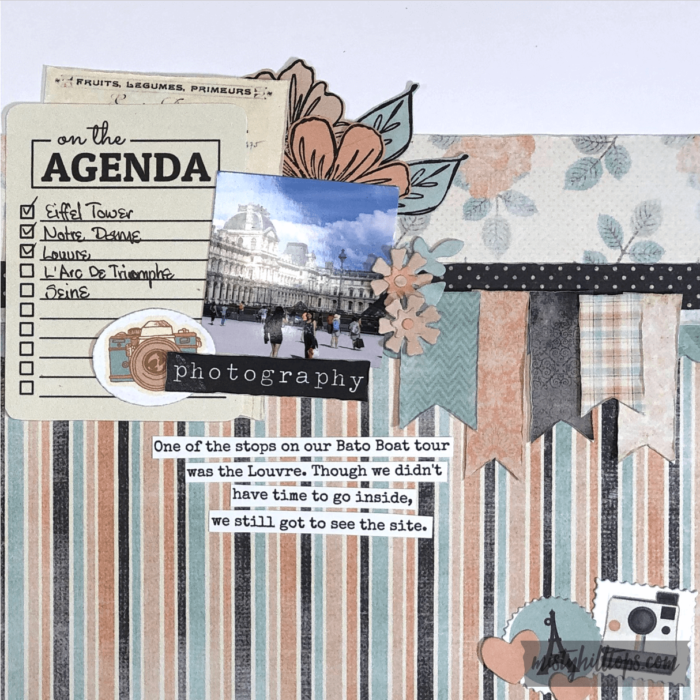
Here is an example of how I used one of the cards for a project:
Hier ist ein Beispiel, das zeigt, wie ich eine dieser Karten in einem Projekt verwende:
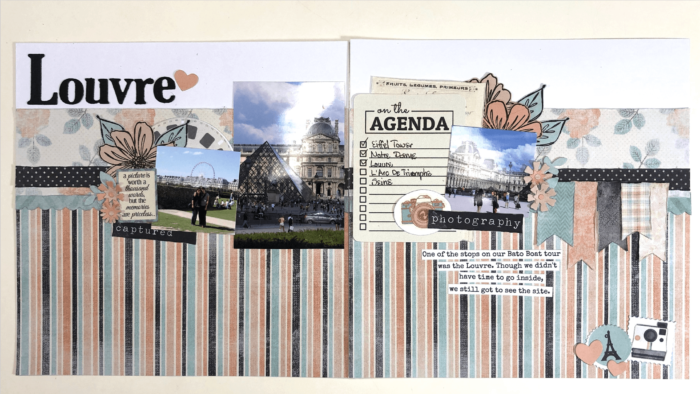
Note how I recolored and resized the card to fit a 6×12 layout size. With these cards, this is just as easily possible as well as just using them as is.
Seht ihr, wie ich die Karte neu eingefärbt und so verkleinert habe, dass sie auf dieses 6×12 Layout passt? Mit diesen Karten ist das genauso leicht, wie sie unverändert zu verwenden.
Video Tutorial
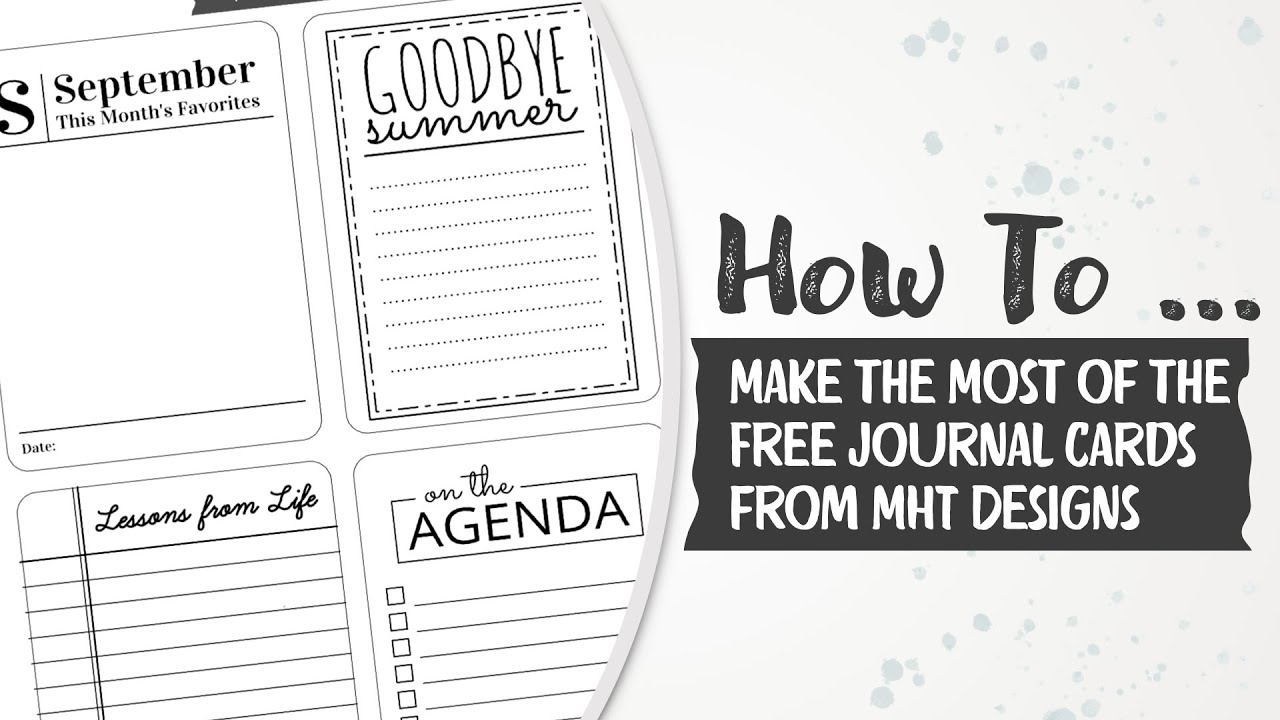
Here is a video tutorial explaining how you can make the most of these journal cards:
Hier gibt’s noch ein Video, das erklärt, wie man aus diesen Karten das Meiste herausholt:
Freebie – Important Info
By the way, if you don’t want to miss any freebies here on mistyhilltops.com, I recommend that instead of clicking the tab Freebie at the top of the menu, to search the TAG “freebie.” Why? Because of how this site is set up, I only want the Friday Freebies to show up in its designated spot on the homepage. If I add all freebies, then these freebies will be switched out too quickly. However, whatever post contains a freebie, I tag as such. So, tags generally list more freebies than the menu does.
Wichtige Info zu Freebies
Übrigens, falls ihr keine meiner Freebies verpassen wollt, empfehle ich euch, nicht über den Reiter “Freebie” oben im Menü zu gehen, sondern über das Label “Freebie.” Warum? Das hat mit dem Aufbau der Seite zu tun. Kurz gesagt, ist es aus praktischen Gründen einfacher, wenn ich nur die Freitags Freebies in das Menü einordne. Aber bei den Labels ordne ich jeden Artikel ein, der nur irgendwie mit Freebies zu tun hat, deshalb gibt es beim Label viel mehr einzusammeln, als über den Reiter.
But now I’ve said enough. It’s time to get to the download. Enjoy this freebie. And as always, here is the info for the Terms of Use:
Jetzt habe ich aber wieder einmal genug gefaselt. Es wird Zeit, zum Download zu kommen. Habt viel Spass, und wie immer kommt hier noch die Info für die Nutzungsbedingungen:

English
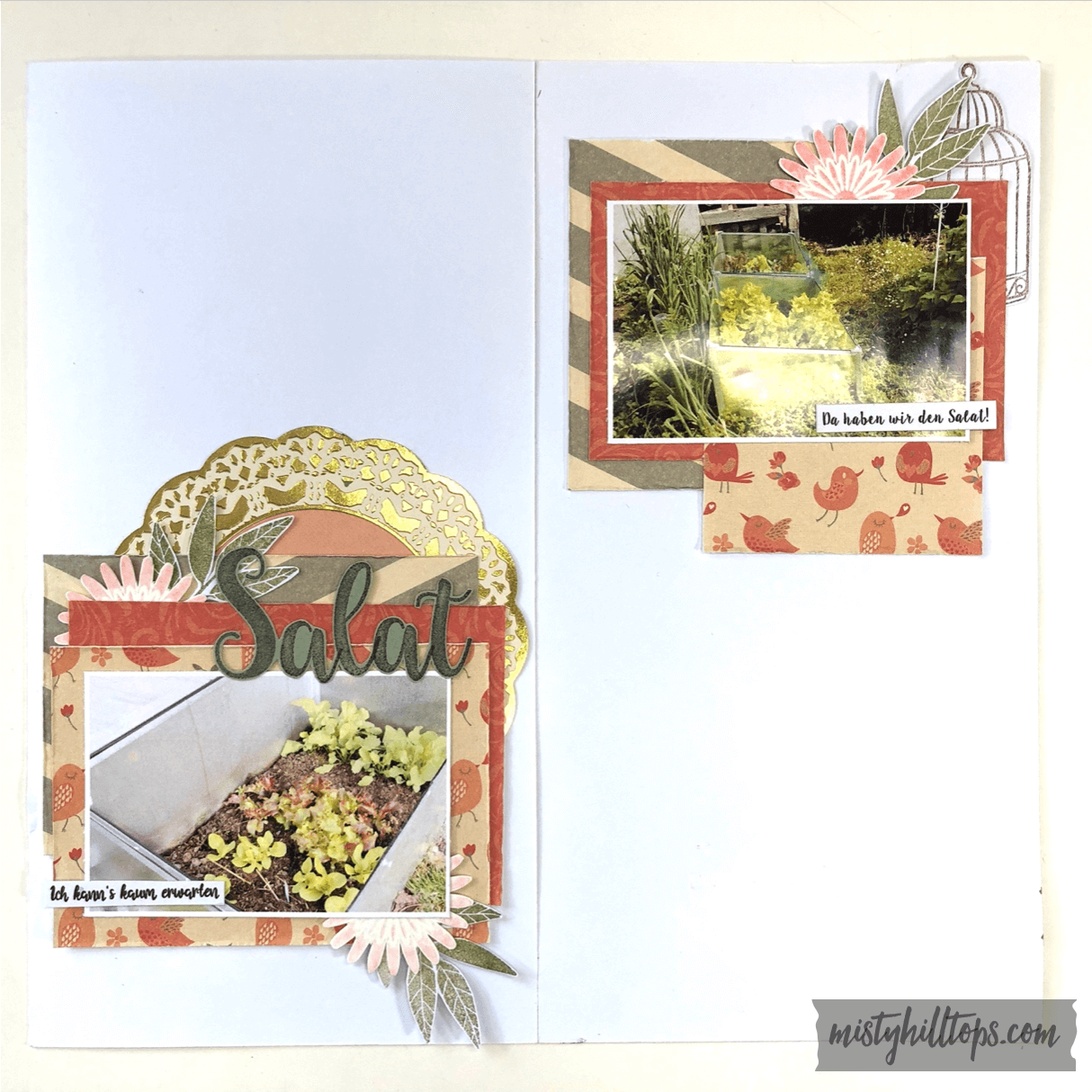
One of the fun things about the cafeterias around campus is that in some places you can put together your own meal. It’s not really buffet style. (I’ve never come across buffet style restaurants outside of hotels around here, because people would take too much advantage of that.) But you still get to collect whatever you want, and then you pay by weight of what’s on your plate.
Deutsch
Eine der interessanten Fakten der Mensas auf dem Campus ist, dass man sich mancherorts die Mahlzeit selbst zusammenstellen kann. Man kann es nicht wirklich Buffet nennen, da es sowas hier außerhalb von Hotels nicht wirklich gibt. (Leute hier würden das zu sehr ausnutzen.) Aber man kann trotzdem eine Mahlzeit aus vielen verschiedenen Angeboten zusammenstellen, und dann bezahlt man nach Gewicht.
Supplies:
Sweet Delight Paper Pad & Ephemera by Rosie’s Studio
Anzeige (Enthält Produktempfehlung) / Advertisement (Contains product endorsement)

Supplies:
Paper Pad
Stamps
Anzeige (Enthält Produktempfehlung) / Advertisement (Contains product endorsement)
Supplies:
Paper Pad
Stamps, Die Cuts
Anzeige (Enthält Produktempfehlung) / Advertisement (Contains product endorsement)
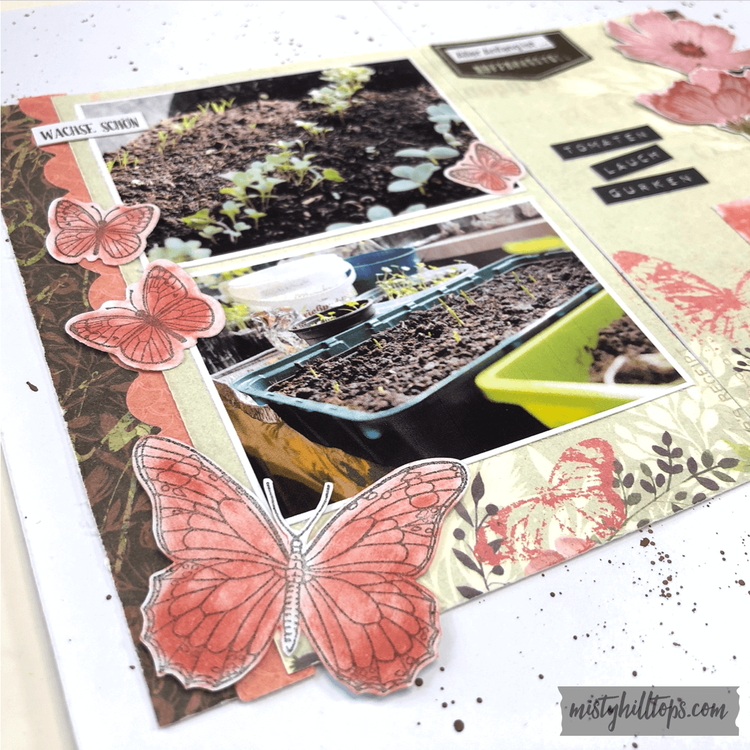
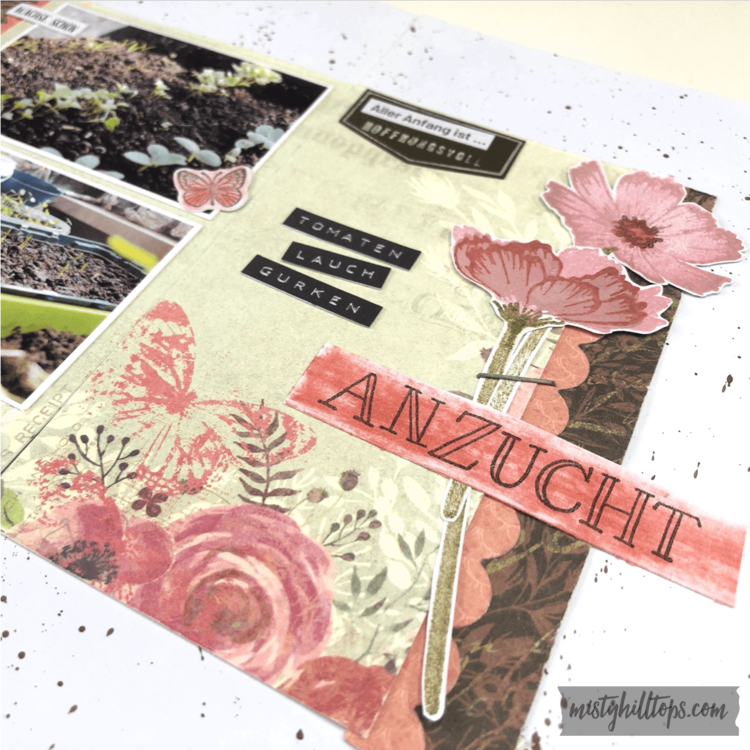
Supplies:
Old Fashioned Paper Pad by Craft Sensations
Stamps & Die Cuts
Anzeige (Enthält Produktempfehlung) / Advertisement (Contains product endorsement)
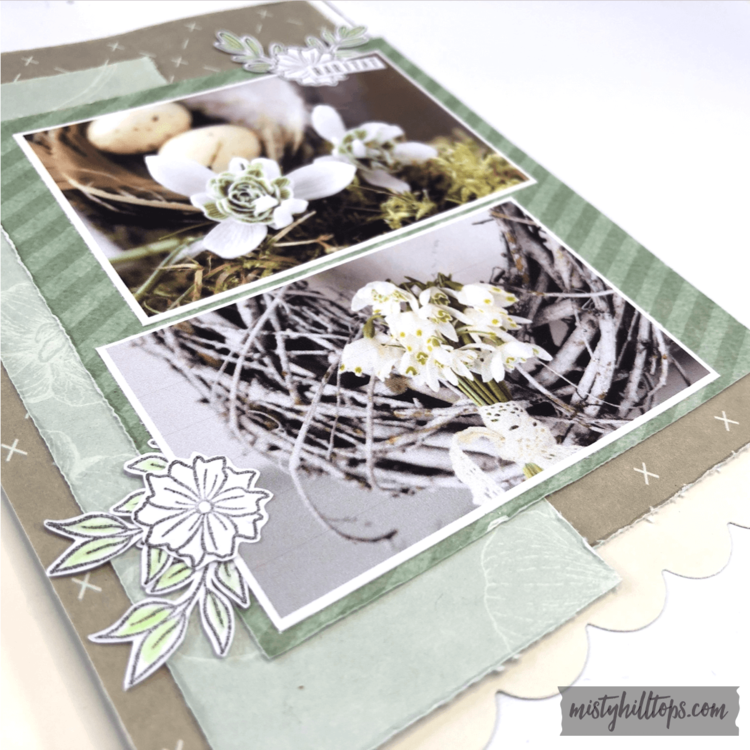
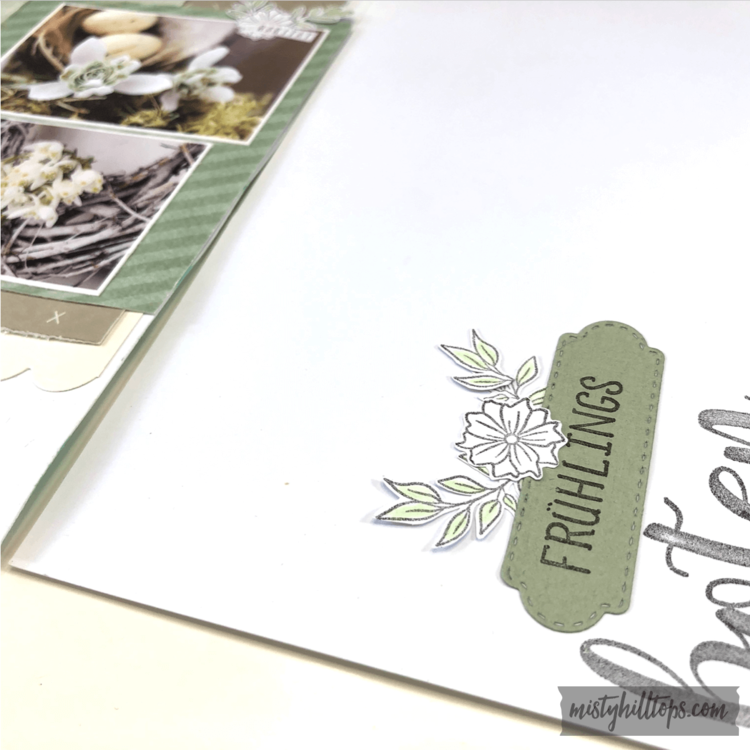

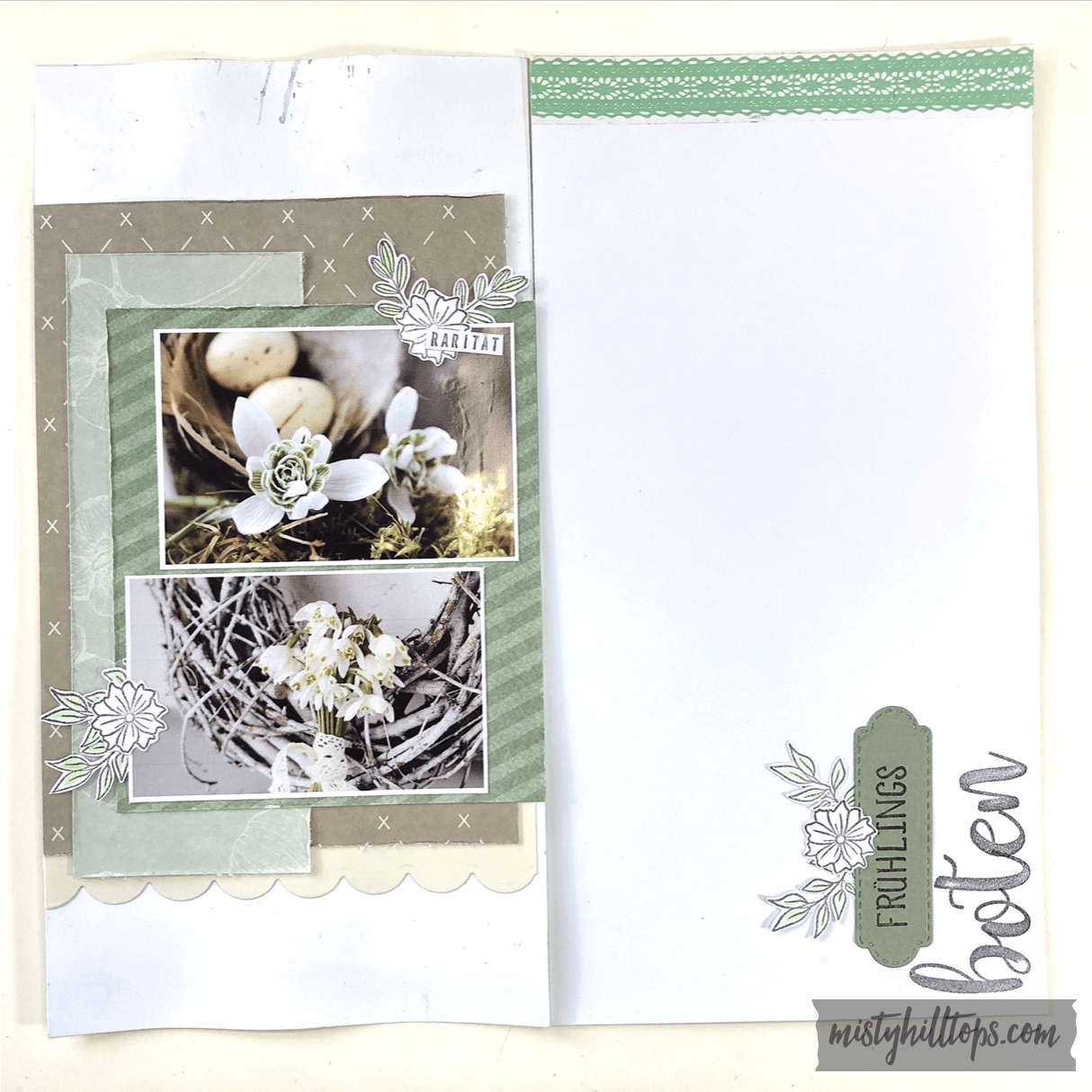
Supplies:
Old Fashioned Paper Pad by Craft Sensations
Snowflake Stencils
Texture Paste
Picked Posies Dies & Stamps by Taylored Expressions
Anzeige (Enthält Produktempfehlung) / Advertisement (Contains product endorsement)
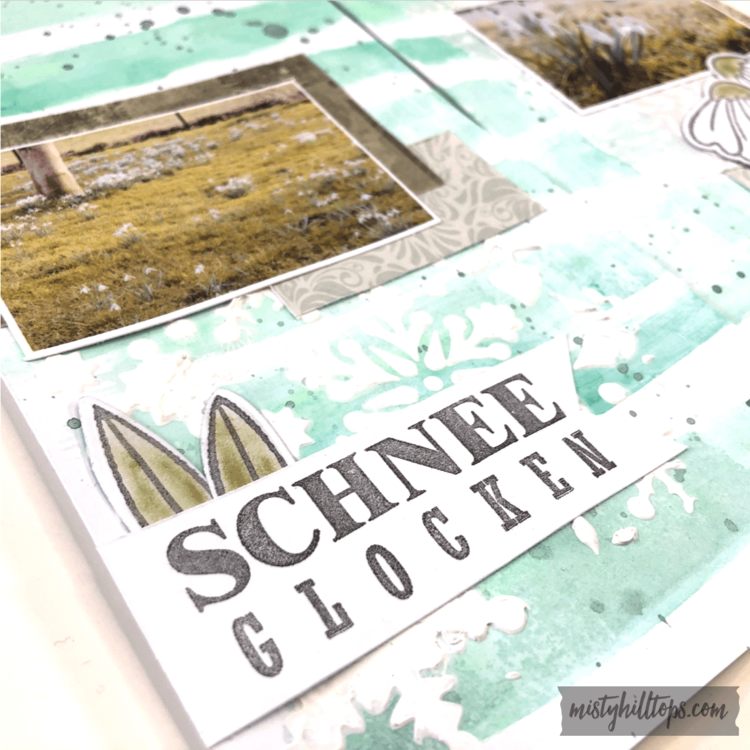
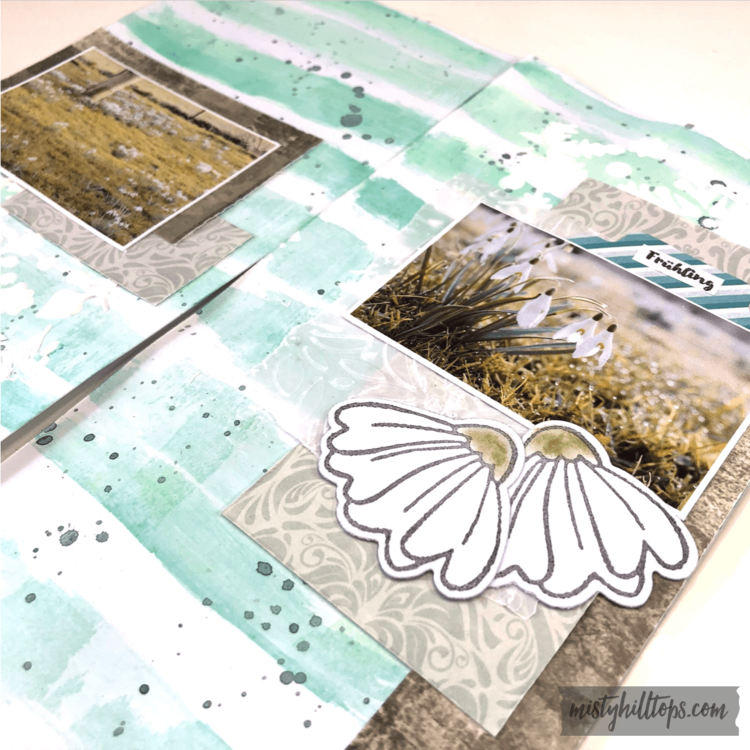
Anzeige (Enthält Produktempfehlung) / Advertisement (Contains product endorsement)
English
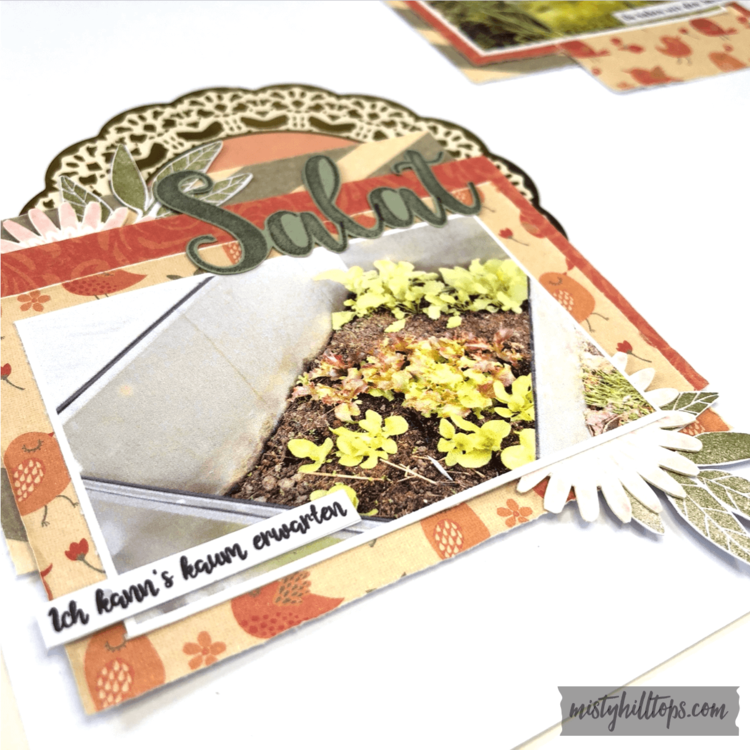
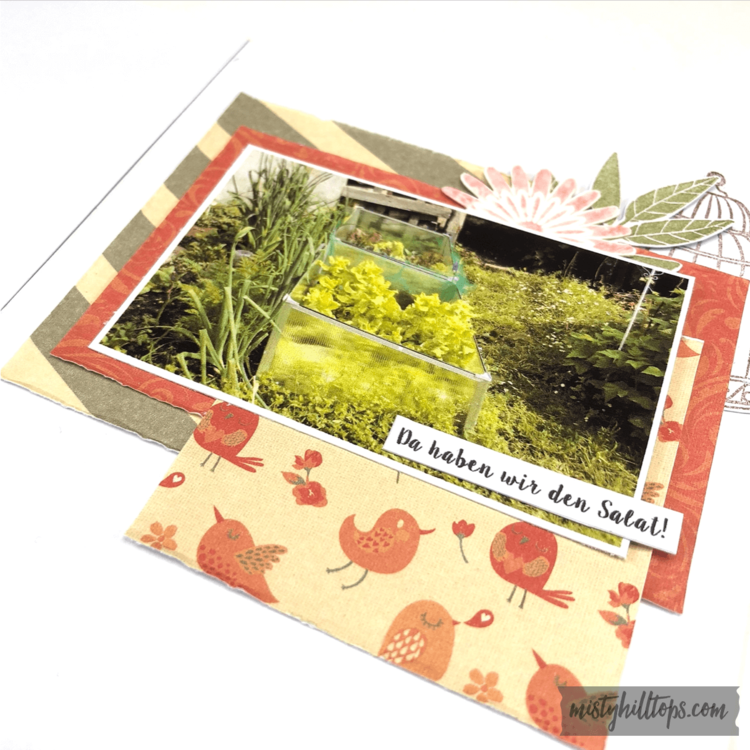
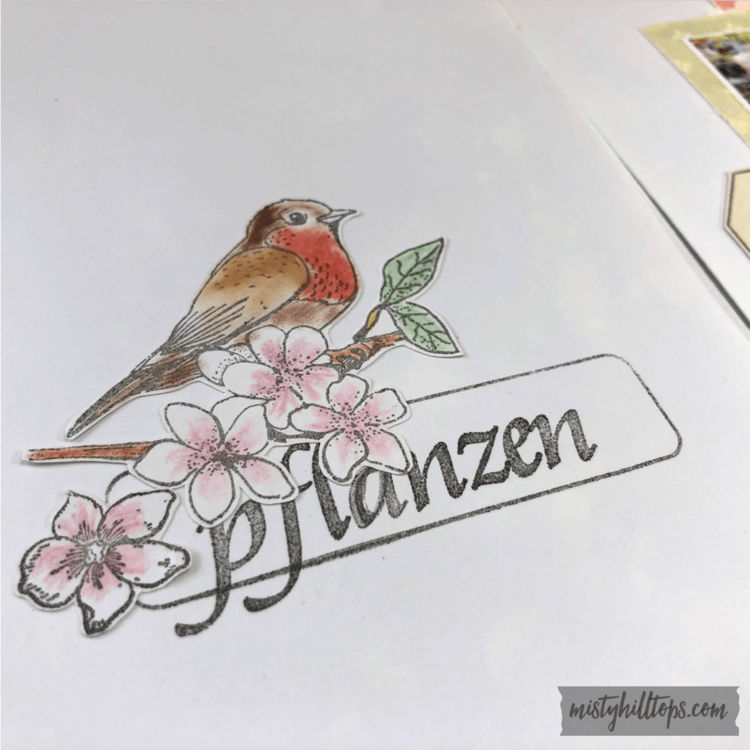
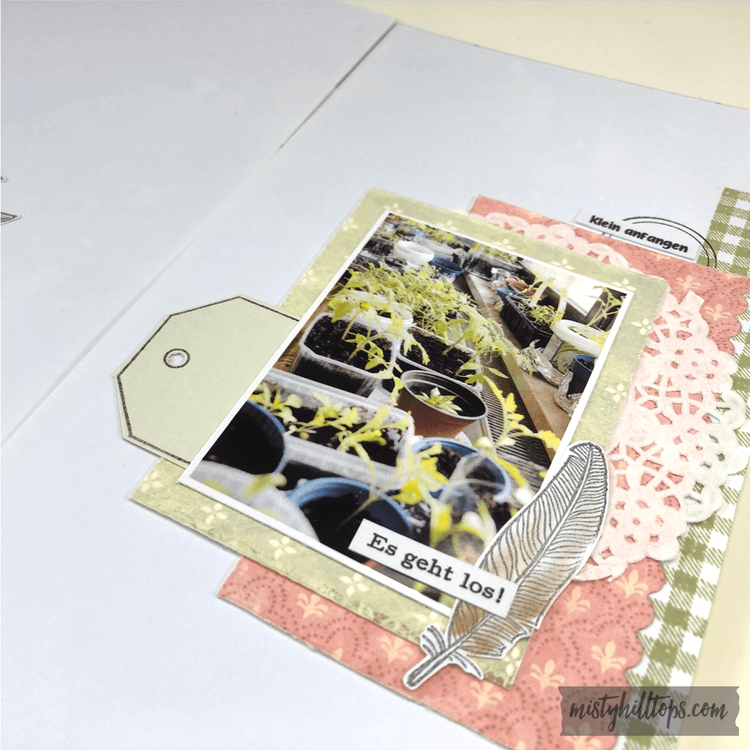
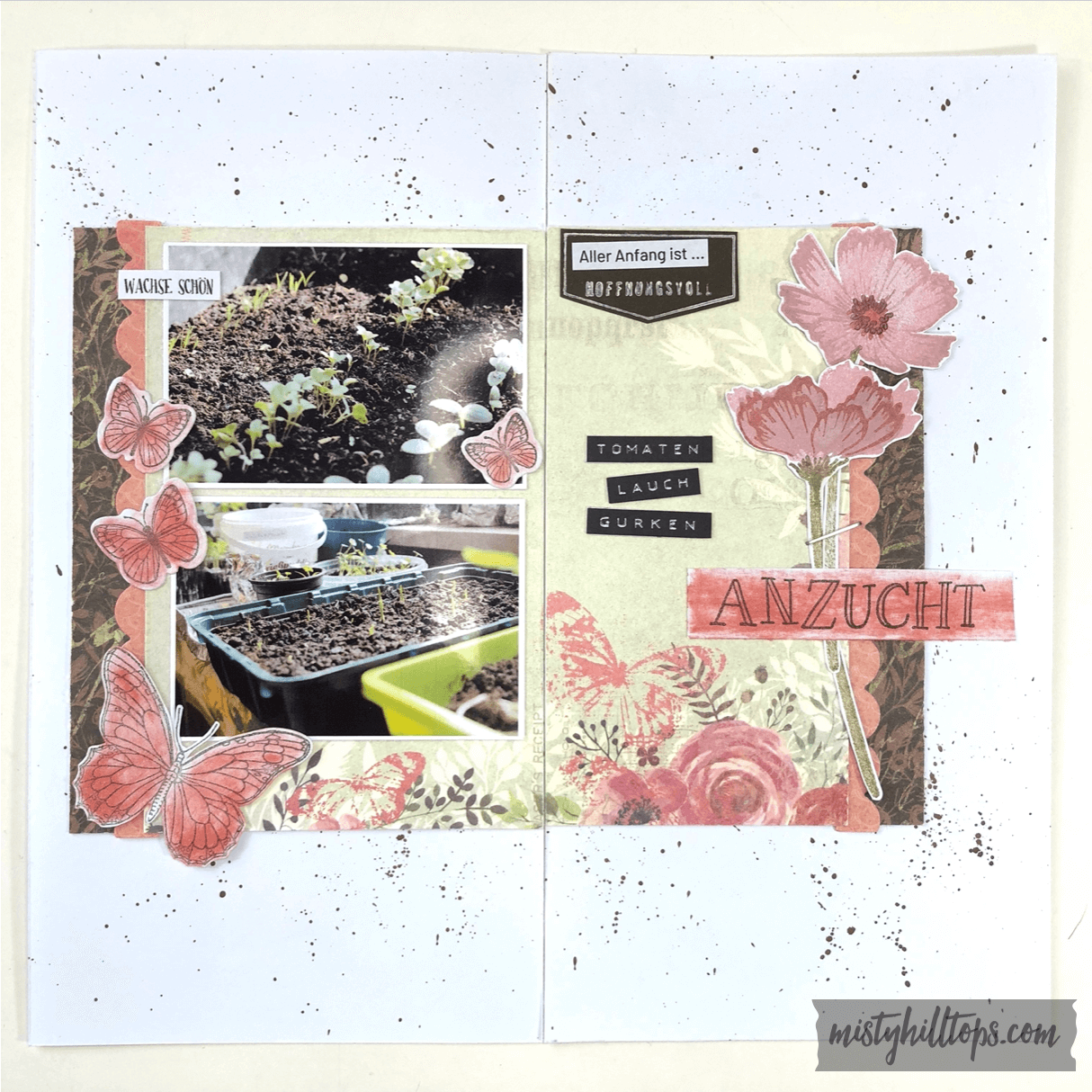
At the beginning of the year I started working on a Traveler’s Notebook Album that’s all about my mom’s garden. It’s my birthday & mother’s day gifts to her this year (which she knows about), and as she keeps sending me photos about her garden, I just have to keep creating pages for her. I’m currently already working on a second album as I don’t like when my traveler’s notebook albums get too thick because of the ring binding I use.
But for now I can show you the first couple of pages that I created for this album:
Deutsch
Anfang des Jahres habe ich angefangen, an einem Traveler’s Notebook Album zu arbeiten, dass dem Garten meiner Mutter gewidmet ist. Es ist mein Geburtstags- und Muttertagsgeschenk für meine Mutter dieses Jahr (was sie auch weiß), und sie schickt mir fortlaufend Bilder von ihrem Garten. Da kann ich halt nicht anders, als immer mehr Seiten erschaffen. Augenblicklich arbeite ich schon am zweiten Album, da ich aufgrund der Ringbindung, die ich nutze, nicht mag, wenn die Alben zu dick werden.
Aber erst einmal kann ich euch die ersten paar Seiten zeigen, die ich für dieses Album erstellt habe:

Notice how this page is really warped? That’s because I applied gesso to the background of the page. But I realized that gesso warps my pages far more than when I apply my mixed media directly to the cardstock. Though this might be different with different papers.
Seht ihr wie die Seite sich sehr wölbt? Das liegt daran, dass ich zuvor einen Kreidegrund aufgetragen habe. Aber ich habe bemerkt, dass das Papier sich damit vielmehr verzieht, als wenn ich meine Kunstmaterialien direkt auf das Papier auftrage. Obwohl das bei verschiedenen Papiermaterialien sicherlich unterschiedliche Effekte hat.
Here are more pages from the album:
Hier sind weitere Seiten des Albums:
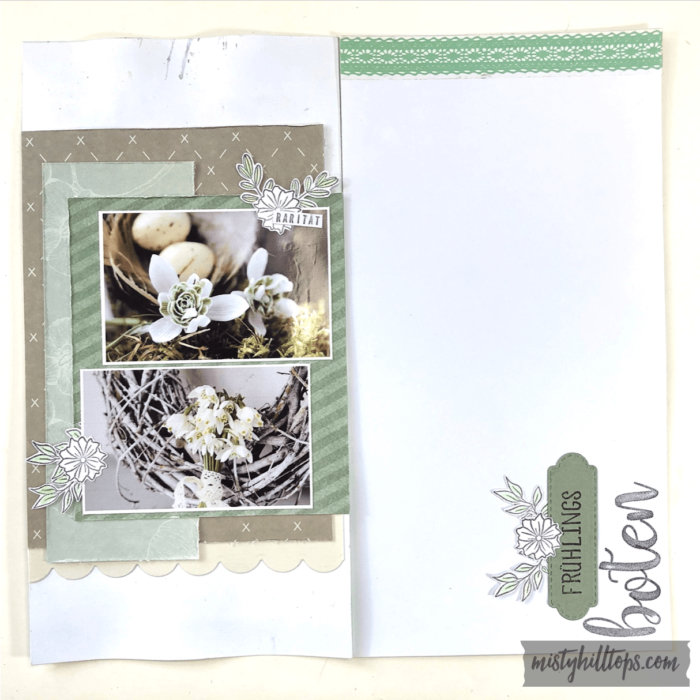


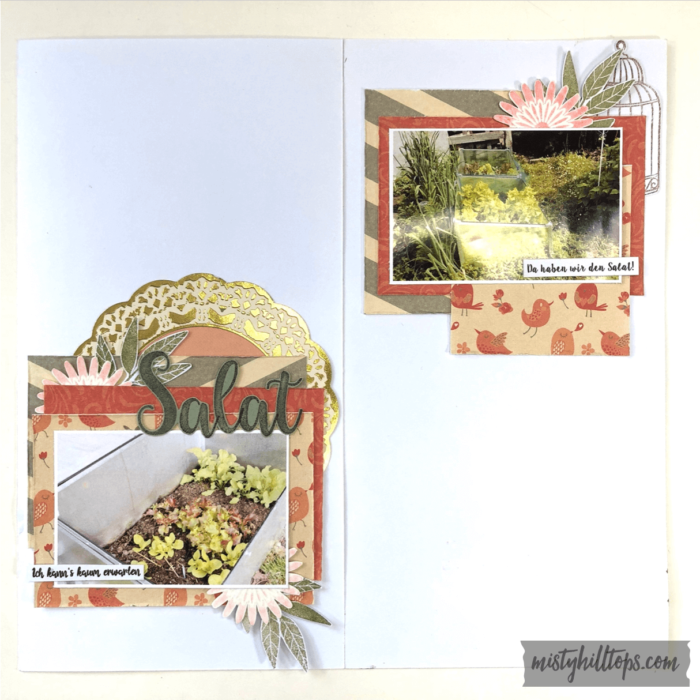
Supplies used for these pages are:
Materialien, die für diese Seiten verwendet wurden: