Latest Posts

Inspire Me: mummytothree

It’s been a long while since I featured an inspirational scrapper the last time, and so today, I want to introduce you to another amazing scrapper who has provided great inspiration to me over the time: mummytothree.

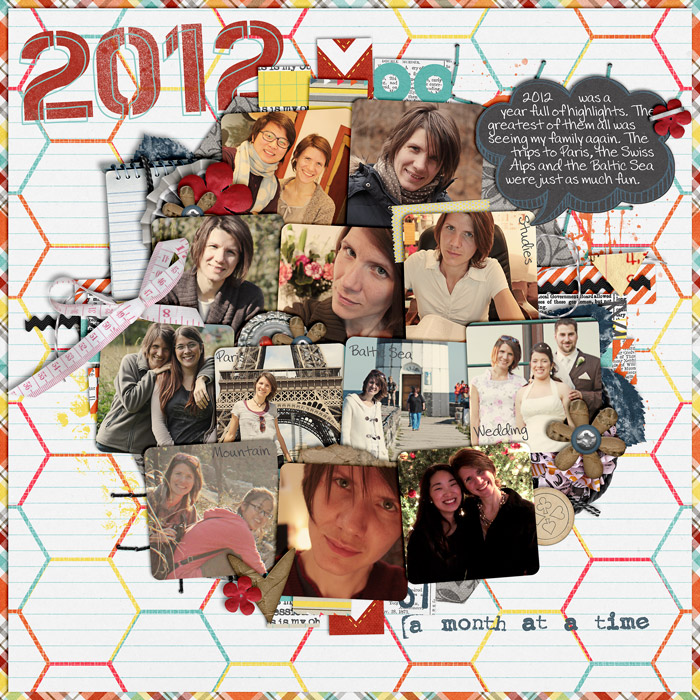
eam2012-the-good-SSD

Her scrapping style is quite versatile, and she is one of those people who still can whip up amazing page designs without the use of a template.

So, if you’re ever in need of some ideas for your own scrapbook pages, don’t forget to check out mummytothree’s gallery.

Behind the Scenes: Creating Dashed Lines in Photoshop

Stitches always make a good impression on any scrapbooking page. Lots of designers create awesome stitches which they sell in their stores (just check Traci Reed’s sewing line over at sweetshoppedesigns.com, if you don’t know what I’m talking about), but it’s actually not that hard to create similar effects on your own in Photoshop. All you need for starters is a dashed line, and today, I’m going to show you how to create dashed lines in just seconds!

130108-Dashed-Line

All you need to do is, create a new layer (windows key + shift + n), and then use a brush.


Here’s How It Works

Open your Brush menu. In the Brush palette, choose a default round, hard brush. Now, change the roundness to something like 15%, and the spacing to whatever parameter you prefer (for the stitched line above, I used 650%).

130108-Screen-Shot-2013-01-13-at-12.23.07-PM


Draw your line. To add more texture to your dashed line, you could add a style, and that’s pretty much it.

Take a look at this P365 layout that I created the other day:

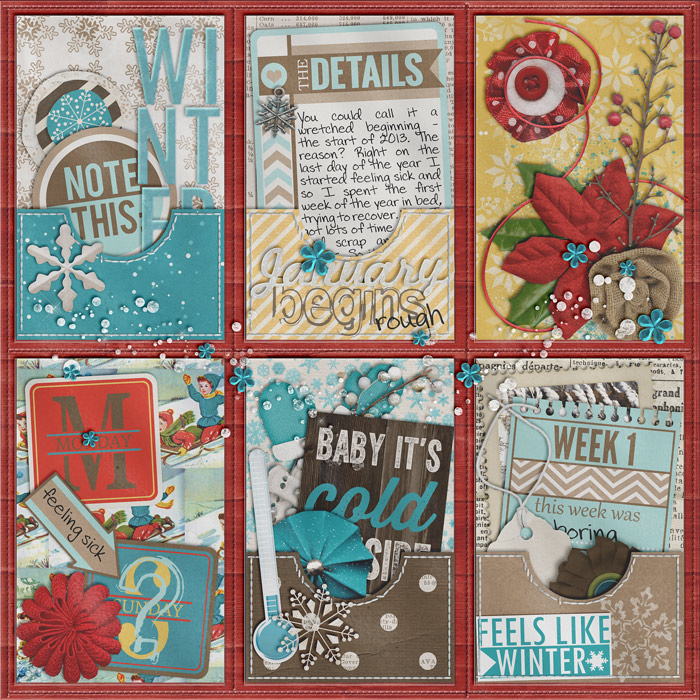
CT-KCB-everyday-st-winter-w7

You see that I made a couple of “stitched” pockets, and I used exactly this technique to create the stitching effect. And if you come back next week, I’ll show you exactly how to create little paper pockets like this (including the stitches).

Tip:
Under Shape Dynamics you may want to set the Angle Jitter to “Direction” (which maybe necessary, if your dashed line is curved).


On Little Heater Friends, Big Heater Friends and a Very Cozy Home

130108-Photo-Jan

Something dreadful has happened to me! My friend, Little Heater, who used to be indispensable for me during winter in the last couple of years has abandoned me. Just like that! No, it didn’t give up its spirits, or just quit its services. It just flat out abandoned me!

First, it went off to serve one of my friends in his bathroom – quitting its social sphere of the heater community and turning into a dryer – can you imagine that degradation? (And yes, our building still has issues and needs constant maintenance. My friend’s apartment, for example, had gotten flooded right before he wanted to move in, and after months it still needs help drying up.)

And now, Little Heater has gone off to be with one of my other friends who complained about having to give exams in freezing classrooms the other day. So Little Heater decided to take up heating business again and stay with my friend for a while!

Well, maybe I shouldn’t be too upset with Little Heater. Maybe it’s just trying to do the right thing.

And I? I for once don’t really need Little Heater any more, because now I got a big heater friend, called AC, who’s really nice and keeps my home warm and cozy at all times!

I guess, Little Heater must’ve figured something, or else it wouldn’t have abandoned me. So maybe, I shouldn’t judge the little guy too harshly and welcome it back, should it decide to return home some time soon.

Journaling Café: Resolutions

Well, oh well, it’s time to give some thought to those new year resolutions again. How are we doing on those, friends? Do we keep up with our goals?

If you don’t have a clue where to start on your new year’s resolutions, or if you just need a little motivation to get started, here are today’s journaling prompts:

130107-Journal-Inspiration

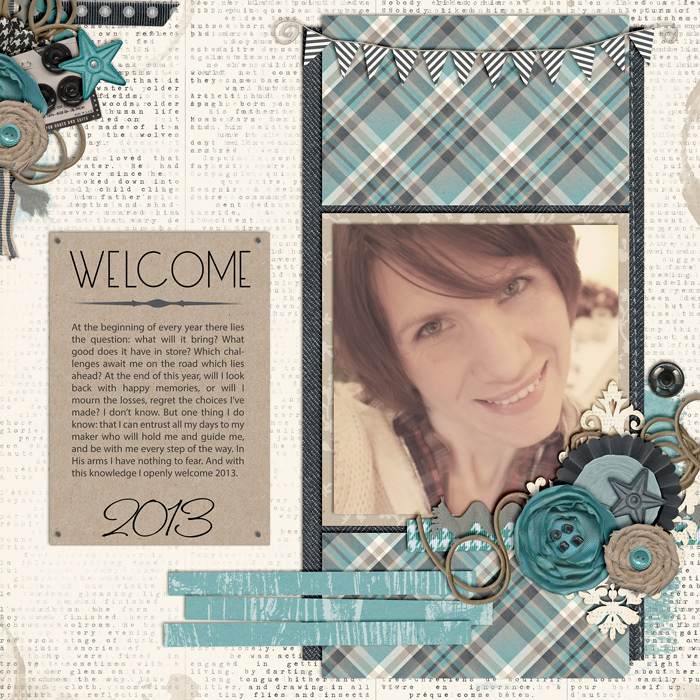
And here’s my take on these prompts:

CT-TRD-whataman-w7
Font used in the prompt is DJB Squirrels in My Pants by Darcy Baldwin, available at sweetshoppedesigns.com.


Oh, the Drama with the Christmas Cards

130105 IMG_5192-copy

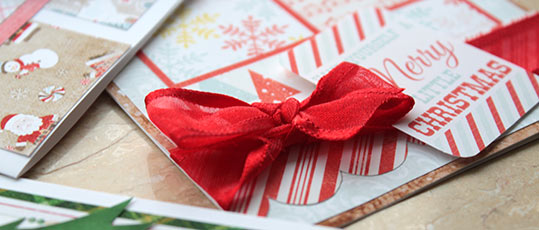
Guess what? I fear the very worst has happened. Do you remember how I sent a bunch of Christmas to my friends and family early in December? I did it really early this time, really wanting to make sure they’d arrive in time. But as I’m sure you’re able to guess now – the very worst has happened. They haven’t arrived at all yet. And I don’t need to tell you that we’re way past Christmas! Maybe the ribbons and all that were too much of a threat!

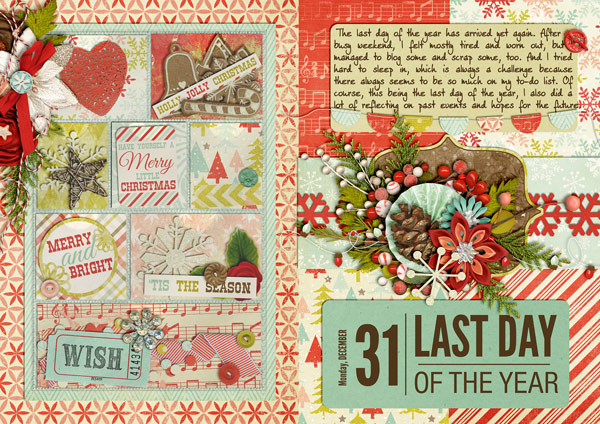
December Daily 2012: Final Wrap Up

December 2012 is over – and to be honest, I’m glad I’m done with the December Daily this year. Don’t get me wrong, I love doing it because if nothing else, it helps me live the season very consciously and make the most of every day, but I’m glad I don’t have to try and keep up with a page for every day anymore. I still have two more pages I need to show you, and soon I’ll be ready to share with you the finished project.

december daily, digital album

december daily, digital


See my other weekly recaps here:

Week 5
Week 4

Week 3
Week 2
Week 1

An Overdose of Fruit

You see, the thing with visiting people around here is that you’re always expected to bring presents. Usually, I’ve trained my students well, and despite their cultural background, they don’t bring something for me each time they visit me. These days, however, they found out that I’ve been sick. And when they came to visit me, every one of them brought a full bag of fruit – apples, pears, pomelo (2x), bananas (x2). And now I’m left to wonder: how am I ever going to eat all of it? It seems impossible, even when I’m healthy!