
Day: April 3, 2012

Take Care of the Dryer

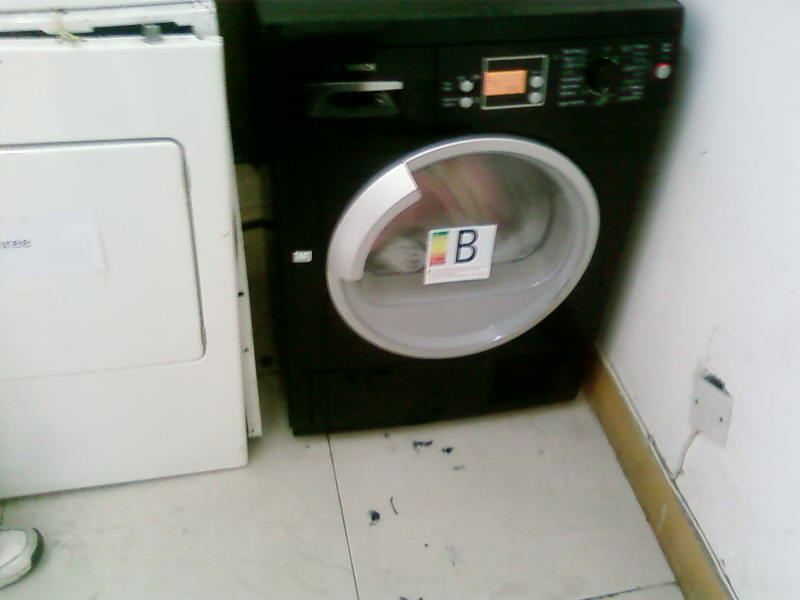
Yes, we have dryers and washers. And they regularly make it on the list of topics that need to be discussed during our faculty meetings. Here’s just one of the reasons why (and since we received the notification in such a wonderful email, I thought, I’d simply share the contents of that email with you here):   Dear _____, Since the new dryer was installed, we found out some teachers put the very wet clothes in the dryer. The dryer would be broken by this. The attachments are the pictures of the wet clothes. We have asked the worker to fix the dryer once. Can you please mention all the teachers who live in your building that spin and dry the clothes before put them in the dryer?  And would you please mention all the teachers that please pour the water in the box of the dryer before use it. It because that if the box fulls of the water and the dryer won’t work. Thank you for your help.   No more questions, right?

Behind the Scenes: Creating Your Own Labels

With the Project Life being such a rage, labels have become really popular over the last couple of months. A lot of designers have picked up on the trend and regularly provide PL-type labels in their kits. Oftentimes, however, I find myself still not having exactly the kind of label I’m looking for on my layout. My answer to this problem: I sometimes create my own labels. It’s quick, it’s easy, all I need is paper (patterned and solids both work), and I’m ready to create my very own label that perfectly suits my needs. Take this layout for example: This kit “Sweet Caroline” by Kristin Cronin-Barrow didn’t include any suitable label that would fit in the little compartment of the tray that I had chosen for my journaling. No problem, I thought, I’m just going to make my own label that will fit just perfectly. Here’s how it works …   In this tutorial, you will learn how to … … create a shape layer, … duplicate the shape layer and erase parts of …