
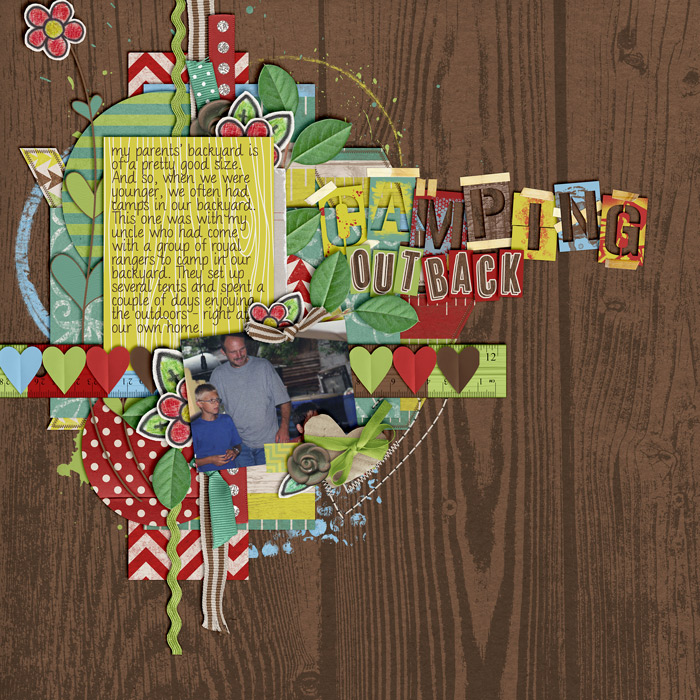
Camping Out Back
Credits: Look at You Grow by Emily Merritt & Traci Reed
Credits: Look at You Grow by Emily Merritt & Traci Reed
It’s official yet once more: the winter break is starting. Over the next couple of days pretty much all students are going to leave campus, and that means it’s going to get real quiet around campus yet again.
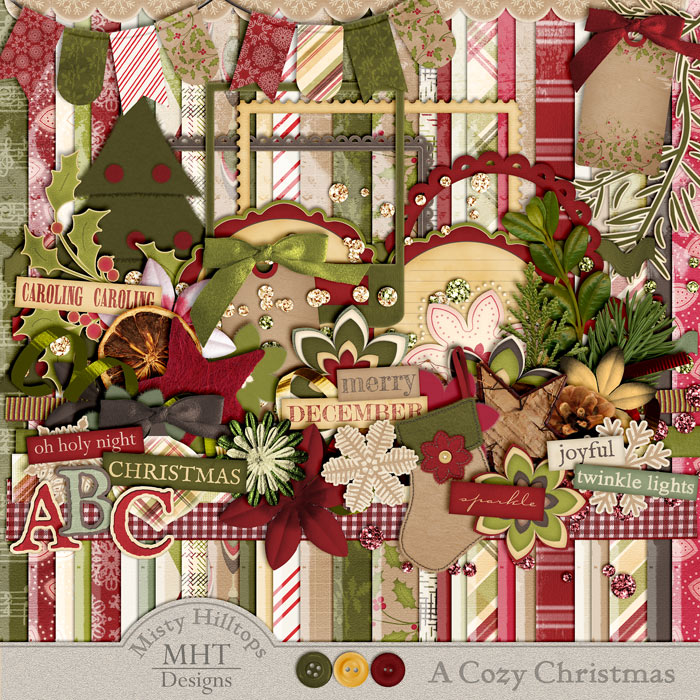
Part 4 of the kit “A Cozy Christmas” is ready for download. Sorry, things are always late. Anyhow, you should be able to click on the image to download. And I’m double checking to make sure the links work. If you had trouble downloading part 3 last week, keep trying. I checked the links, and there was nothing wrong with them, and in my file index I can see that people have been downloading. So, keep trying, and I really hope it’ll work. The last part of this kit will follow soon, and I’m well into my next kit – a winter themed little thing. Anyhow, don’t forget that products you download from mistyhilltops.com are for personal use only, and if you’d like to share them with others, simply send them this way. As always, happy scrapping!
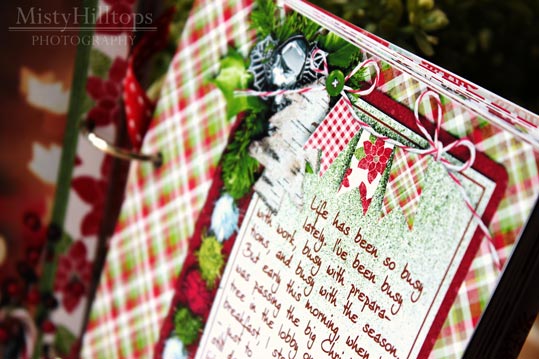
Well, I finally managed not only to print, cut, and put everything together, but also to photograph the album, process the pictures and upload it. So, here I happily present to you my completed December Daily Album 2012:
Remember that blog facelift I was telling you about a couple of weeks ago? Well, it’s coming along. These days little sister and I have been working on my test site again, and it’s coming together just nicely. There are a couple of construction zones that still need a bit of thinking and tweaking, but before long, I think we’ll be ready to launch a new, and vastly improved version of mistyhilltops.com with a fresh look to it. So stay tuned …
It’s been a long while since I featured an inspirational scrapper the last time, and so today, I want to introduce you to another amazing scrapper who has provided great inspiration to me over the time: mummytothree. Her scrapping style is quite versatile, and she is one of those people who still can whip up amazing page designs without the use of a template. So, if you’re ever in need of some ideas for your own scrapbook pages, don’t forget to check out mummytothree’s gallery.
Stitches always make a good impression on any scrapbooking page. Lots of designers create awesome stitches which they sell in their stores (just check Traci Reed’s sewing line over at sweetshoppedesigns.com, if you don’t know what I’m talking about), but it’s actually not that hard to create similar effects on your own in Photoshop. All you need for starters is a dashed line, and today, I’m going to show you how to create dashed lines in just seconds! All you need to do is, create a new layer (windows key + shift + n), and then use a brush. Here’s How It Works Open your Brush menu. In the Brush palette, choose a default round, hard brush. Now, change the roundness to something like 15%, and the spacing to whatever parameter you prefer (for the stitched line above, I used 650%). Draw your line. To add more texture to your dashed line, you could add a style, and that’s pretty much it. Take a look at this P365 layout that I created the …
Something dreadful has happened to me! My friend, Little Heater, who used to be indispensable for me during winter in the last couple of years has abandoned me. Just like that! No, it didn’t give up its spirits, or just quit its services. It just flat out abandoned me! First, it went off to serve one of my friends in his bathroom – quitting its social sphere of the heater community and turning into a dryer – can you imagine that degradation? (And yes, our building still has issues and needs constant maintenance. My friend’s apartment, for example, had gotten flooded right before he wanted to move in, and after months it still needs help drying up.) And now, Little Heater has gone off to be with one of my other friends who complained about having to give exams in freezing classrooms the other day. So Little Heater decided to take up heating business again and stay with my friend for a while! Well, maybe I shouldn’t be too upset with Little Heater. Maybe it’s …
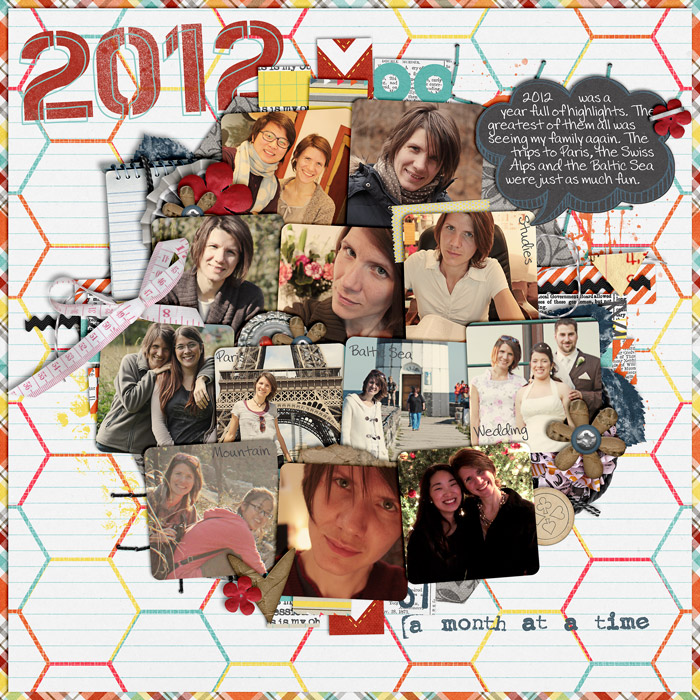
Credits: Obsessions by Libby Pritchett & Studio Basic Designs Alphabitties 2 & 4 by Traci Reed Font: DJB Preppy Side
Well, oh well, it’s time to give some thought to those new year resolutions again. How are we doing on those, friends? Do we keep up with our goals? If you don’t have a clue where to start on your new year’s resolutions, or if you just need a little motivation to get started, here are today’s journaling prompts: And here’s my take on these prompts: Font used in the prompt is DJB Squirrels in My Pants by Darcy Baldwin, available at sweetshoppedesigns.com.